If you left your page alone for a while and now can't get back in, you are not the only one. A lot of creators come back after burnout, life changes, or a long break and want a simple answer to how to reactivate an inactive OnlyFans account.
Here’s the quickest path back: confirm whether your account is inactive or deleted, then work through login, email, billing, and support in that order. And if you’re trying to reactivate your inactive OnlyFans account without burning out again, I’ll show you a simple comeback plan you can actually keep up.
What you’ll learn in this article:
- how to tell what kind of account issue you have
- the steps to try before you panic
- how to protect payout and tax records if access doesn't come back fast
- how to restart in a lower-stress way so you can actually stay consistent
This guide is written for 18+ creators and uses simple, everyday English so you can move fast.
How to reactivate an inactive OnlyFans account 
This section walks you through the comeback process in the right order. You'll learn what to check first, what to do next, and how to avoid wasting time on random fixes that don't help.
Check whether your OnlyFans account is inactive or deleted (Step 1)
Don't treat every lockout the same way: an inactive account may still be restorable, while a deleted account is usually harder to bring back. Some guides even disagree on edge cases, so the safest move is to read the exact notice you got and match your next step to that notice.
Quick comparison (inactive vs. deleted):
Status: Inactive / Dormant
- Can you log in? Often yes (or you can reset the password)
- What you may see: “inactive,” extra verification, or a security check
- Typical next step: confirm email + 2FA, update billing if needed, then contact support if you’re still blocked
- Recovery difficulty: usually easier
Status: Deleted / Closed
- Can you log in? Often no
- What you may see: “deleted,” “deactivated,” or a notice that access is removed
- Typical next step: follow the appeal instructions in the notice (if provided) and contact support with your account details
- Recovery difficulty: often harder (and sometimes not possible)
Check your email, login details, 2FA, and billing (Step 2)
Before you contact support, check the basics. Look for any email about account status, identity review, payment problems, or login verification. Then try again with the correct login, your current 2FA method, and updated payment details if needed. If you changed phones, cards, or location recently, mention that later in your appeal.
Send one complete support request or appeal (Step 3)
If self-checks don't fix it, send one complete request (and use the appeal form link in your notice if you were deactivated). Include:
- your username and the email on the account
- the date/time you lost access (and what error or notice you saw)
- what changed recently (new phone, new 2FA app, new card, travel, etc.)
- what you already tried (password reset, 2FA recovery, billing update)
Sources:
https://www.alphr.com/onlyfans-account-inactive/
Why your account may have gone inactive 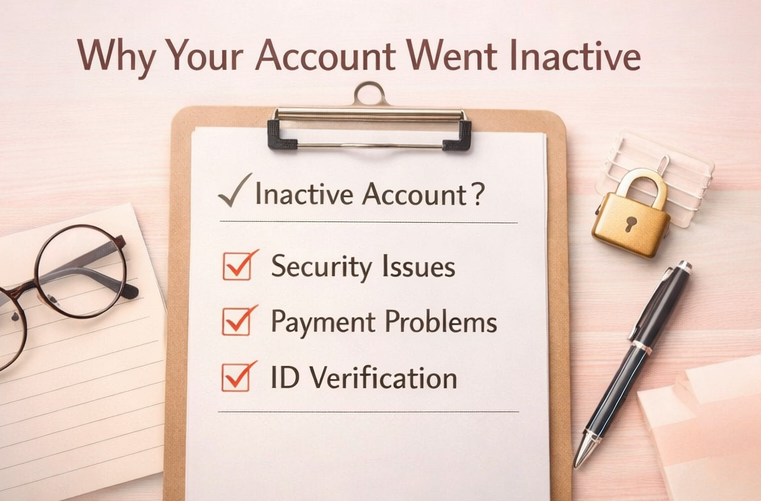
This section helps you understand the most common causes behind an inactive account. Knowing the likely reason matters because it changes what you should say to support and what proof you may need.
Long break or account dormancy
If you've been away for a while, you may run into login, verification, or support issues when you return. If you stopped posting or logging in for some time, start by checking the exact notice you received before assuming the account is fully gone.
Security, device, or 2FA changes
A new phone, lost authenticator access, new IP location, or repeated failed logins can trigger security friction. That does not always mean a serious strike: sometimes it just means the platform wants to confirm you are really you.
Payment, ID, or policy review
Card problems, payout setup issues, expired ID, or a content review may also be part of the problem. This is why guessing is risky. Read every notice carefully and answer the issue they actually named.
Sources:
https://www.alphr.com/onlyfans-account-inactive/
https://social-rise.com/blog/recover-onlyfans-account
How long reviews and support replies can take
In many cases, you may hear back within a few business days, but it can take longer depending on the issue and how much verification they need. While you wait, avoid sending multiple tickets—keep your details in one thread and watch your inbox (and spam) for follow-ups or requests for ID/verification.
How to protect your money and tax records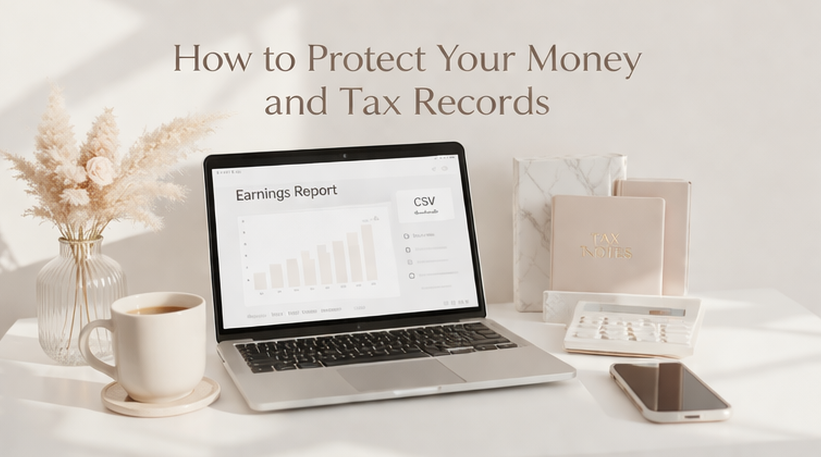
This section covers the part that many creators forget until tax season. Here you'll learn what records to save now, what to ask for if you stay locked out, and why missing a form doesn't always mean missing tax duties.
Tax and payout records matter whether your account is active or not — this complete OnlyFans payout guide covers how earnings move through the platform, what to track for tax purposes, and how to request records if you've lost access.
Save every payout record you already have
Do this today: gather screenshots, payout emails, bank records, and any old earnings notes into one folder. Treat them as evidence you can forward to support or keep for taxes. If access gets worse before it gets better, having these ready can save you a lot of stress.
Ask for earnings history if access stays blocked
If your account does not come back soon, ask support for your earnings and payout history. Keep the request simple: say you need records for taxes, bookkeeping, and payout review. Even partial records can help you rebuild your timeline.
Do not assume no 1099-K means no tax reporting
This section is general information, not legal or tax advice. Platform policies and tax rules can change, so check the current Terms of Service, current IRS guidance, and a qualified tax professional if you need advice for your specific situation. In general, you may still need to report income even if you do not receive a Form 1099-K. Reporting thresholds can change, and they do not determine by themselves whether income must be reported. Use your payout history, emails, bank records, and any platform statements to help rebuild accurate records.
How to restart OnlyFans without burning out again 
This section shows you how to come back in a way that is easier to keep up. The goal is not just getting access back; the goal is staying active without falling into all-day DM stress again.
Coming back strong also means having a content and monetization plan ready from day one — this complete guide to being successful on OnlyFans covers the traffic, conversion, and DM retention strategy that makes a comeback sustainable.
Step 1: Use a simple 7-day comeback plan
Day 1, update your bio, pinned message, and welcome text. Day 2, post a short “I’m back” update. Days 3 to 5, reply to your warmest old fans first. Days 6 and 7, look at what got replies and repeat that style. Keep it small: you don't need a giant relaunch.
Example (small + realistic):
- If you have 30 unread DMs, do 10 per day for 3 days during one 25-minute DM block.
- Start with people who tipped or bought PPV before (they’re “warm”).
- Use one simple opener like: “Hey — I’m back and catching up. How have you been?”
- If you get overwhelmed, stop at the end of the time block and continue tomorrow.
Step 2: Put your DMs into time blocks
Don't jump back into constant replies. Pick one or two DM blocks a day, and keep them 20 to 30 minutes each. This helps you stay present without living in your phone. It also keeps your tone better because you're not replying when tired or annoyed.
Step 3: Use human-led AI help, not full autopilot
If chat fatigue is one of the reasons your OnlyFans account went quiet, FanPort can help you come back in a way that feels lighter and more sustainable. FanPort is not a full autopilot bot. It is a human-led, AI-assisted tool that helps reduce the daily DM workload by supporting you with faster drafts, replies, and workflow support while you stay in control of your voice and your fan relationships.
That matters even more during a comeback. You do not need to be stuck in all-day DM work just to rebuild momentum. With the right support, you can spend less time buried in messages, stay more consistent, and create stronger engagement even if you are restarting with a smaller audience. Your paying subscribers and VIP fans still get your personal attention, because you can review important conversations yourself and reply as the creator behind the account.
FanPort is built for creators who want to protect the direct connection with their fans while making the work more manageable behind the scenes. If you want a lower-stress way to restart and keep your OnlyFans comeback going, check FanPort here: Want to grow faster with this service? Click here.
Mistakes that slow recovery or hurt your comeback 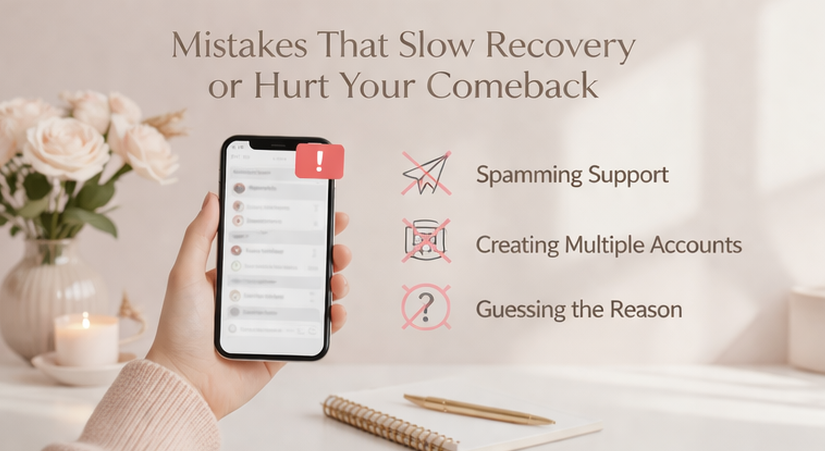
Read this section before you send another ticket or try random fixes. These mistakes slow recovery, create confusion with support, and make it easier to burn out again.
Do not send multiple support tickets at once
Multiple tickets with different details can make your case messier, not faster. Keep everything in one thread when possible so the timeline stays clear.
Do not guess about policies or tax rules
If you are unsure, check the current platform notice and current IRS guidance. Acting on old forum advice can make a stressful situation worse.
Do not come back by doing everything on day one
A comeback does not need to be perfect; it just needs to be stable. Start with a smaller posting plan and a lighter DM rhythm so you don't disappear again two weeks later.
FAQ
How do I know if my OnlyFans account is inactive or deleted?
Start with the notice you received. "Inactive" usually means there may still be a path back, while "deleted" is usually more serious.
Can I reactivate my inactive account by just logging in again?
Sometimes, yes. If the issue is minor, login checks, 2FA, or billing updates may help before support is needed.
Should I send more than one appeal?
No. One clean, complete request is usually better than many rushed messages.
Do I need a 1099-K to report my income?
Not always. IRS guidance says you may still need to report income even if you don't receive that form.
Will my old fans come back after I return?
Some may, especially if you return with a clear message and reply to warm fans first. A simple comeback usually works better than a huge reset.
Can AI fully run my DMs for me?
Do not assume full DM automation is a safe option. Keep final control over your account communication, and always review the platform's current rules before using any outside tool or service.
What’s my Plan B if I can’t get access back?
If support confirms the account is permanently deleted, or you’ve had no progress after following the official steps and waiting for a response for a reasonable amount of time, shift your focus to what you can control:
- save payout/tax records you still have
- write down your timeline (dates, notices, ticket IDs)
- decide whether starting over is allowed under the platform’s rules, or whether you should pause and rebuild your workflow first
The goal is to stop losing weeks to panic and make a clean, sustainable restart plan.