If you've searched for "How to Set Up OnlyFans," you probably do not need more vague advice like "just stay consistent." You need a clear setup plan that tells you what to do first, what to charge, what to post, and how to make your page feel worth paying for.
After reading this guide, you will know how to build a page that looks clear, feels professional, and is ready to generate income. You will also know what to set up from the start so you won't have to go back and fix your profile, pricing, or DMs later. This guide is for adults 18+ who want to learn how to use OnlyFans as a creator.
Key takeaways from this article:
- The first settings to handle right after sign-up
- How to build a profile that makes people stay
- How to choose beginner pricing and offers
- How to post your first content and grow from zero
- What to check for safety, tax basics, and account health
The goal is straightforward: avoid a messy start and create a page that is set up to generate income.
OnlyFans basic setup to do on your first day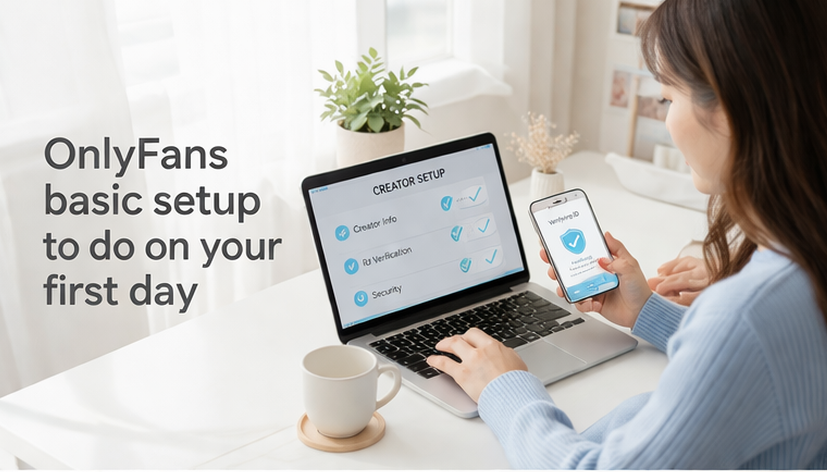
Before we talk about growth, this section lays out your very first steps. These steps help you avoid delays, protect your account, and build a cleaner foundation for everything that comes next.
Complete your creator info and payout settings
First and foremost, make sure to enter your legal name exactly as required, and review all entries before submitting. Your profile might look complete, but if verification, payout, or tax info is incomplete, you are not ready to earn.
Quick submission checklist:
- Enter your legal name and details exactly as your ID shows
- Fill every required payout/tax field (no blanks)
- Before submitting, double-check for typos in names, numbers, and dates
Common delay point: ID/selfie verification. Use bright, even lighting and make sure every line of text is sharp and readable before you submit.
Pick a name that's easy to remember
Your username should be easy to say, easy to spell, and consistent across your creator socials. Do not make people guess. A clean name helps with trust, search, and repeat visits.
If you want more privacy, use a stage name that does not connect to your legal name or personal accounts, and review your settings for any location or audience restrictions the platform offers.
Enable basic security immediately
Use a separate creator email, a strong password, and two-factor authentication. It is much easier to lock your account down on day one than to fix a hacked page later.
Source: https://start.onlyfans.com/
Create a profile that makes people want to subscribe
This part covers the settings fans notice first when they land on your page. A stronger profile helps you look trustworthy, explain your value fast, and turn profile views into paid fans.
In your profile, explain the value fans will receive in one sentence
Most fans will view your page on their phone, so your bio often shows only the first 2–3 lines before they tap “more.” Put your biggest promise up top: your posting frequency, your vibe, and the #1 thing they get as a subscriber. Then add one short line about extras like PPV, customs, or DMs.
Choose a profile photo and a banner that fit your niche
Your profile photo should look clear and confident. Your banner should match the mood of your page. If your vibe is soft, playful, glam, fitness, cosplay, or girlfriend-style, make that obvious right away.
Craft a welcome DM that starts a real connection
A welcome DM should feel warm and simple, not robotic. Thank them, ask one easy question, and guide them to your best content. Example: “Hey, thanks for being here 💛 What kind of content do you want more of first?” Good DMs open the door to tips, PPV, and repeat buyers.
Source: https://www.creatorhero.com/blog/only-fans-profile-setup-guide-build-a-professional-creator-presence
A great welcome DM makes all the difference in early retention — this full collection of OnlyFans welcome message examples gives you templates by style and niche so you can find your exact fit before your first subscriber arrives.
Set prices and offers before you start posting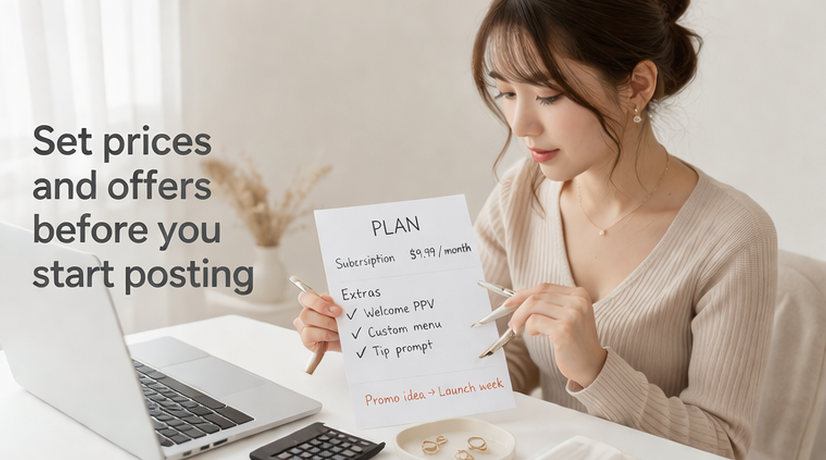
This section helps new creators build a logical approach to monetization. It matters because random pricing confuses fans, while clear offers make it easier for them to buy.
Pricing decisions go deeper than picking a subscription number — this complete OnlyFans pricing strategy guide covers how to structure subscriptions, PPV tiers, and tips together so each one supports the others.
Start with a price you can justify clearly
A low starting price can help reduce friction, but it still needs to match your plan. Many beginners test a price around $9.99/month because it feels familiar and easy to explain—but the “right” number depends on your niche and posting plan. If you charge less, make sure you know how you will upsell with DMs, PPV, bundles, or customs. Pick a price you can defend without sounding unsure.
Make tips and PPVs available as extra offerings
Subscriptions get people in the door. DMs, PPV, and tips often do the heavy lifting after that. Keep your first offers simple. For example, have one welcome PPV, one custom menu, and one easy tip prompt instead of ten messy choices.
Run promos with a clear rationale
Discounts work better when they feel tied to something real, like launch week, a milestone, or a content drop. If you discount all the time, people may wait instead of buying now.
How to plan your first posts and grow from zero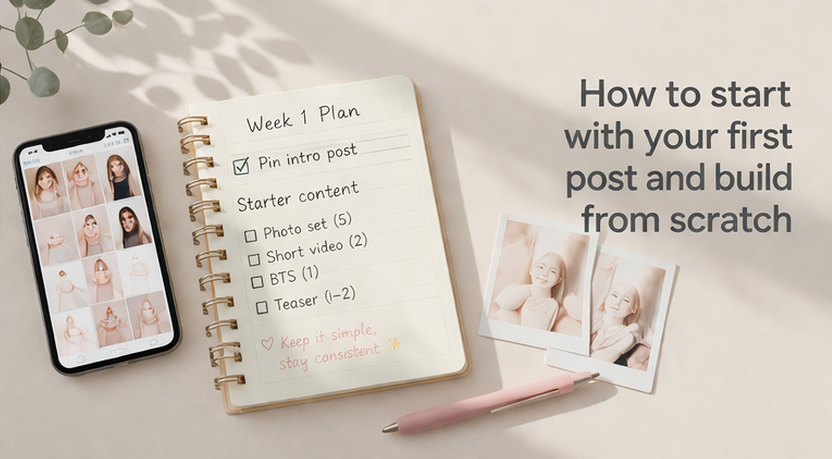
This section is about what to post first and how to start even if you do not have followers yet. It helps you avoid the common mistake of going live with an empty page and no reason for anyone to stay.
Launch with 6 to 10 posts and one pinned intro
Before you push traffic to your page, give people something to see. A small starter library makes your page feel alive. Pin one intro post that explains your vibe, posting style, and what fans can ask for in DMs.
Build 3 repeatable content templates
Do not reinvent your content plan every day. Pick three templates you can reuse. Example: daily selfies, behind-the-scenes clips, and one premium PPV drop each week. This makes posting easier and keeps your page consistent.
Grow your audience and manage DMs without burning out
If you want to know how to start on OnlyFans without followers, "waiting until you go viral" isn't the answer.
Start with one clear niche, one main traffic source, and strong DMs. As your page grows, replying to DMs can quickly turn into an exhausting full-time job. You do not need a massive following to make real money—you need strong engagement with the fans you already have. Tools like FanPort can help reduce that workload by generating human-like draft replies for your review. You still review, edit, and send every message yourself, which helps you move faster without losing your personal tone.
Want to grow faster with this service? Click here.
Stay secure and keep your settings organized
This section covers the boring but important stuff that protects your income. It helps you stay organized, avoid messy account problems, and make smarter decisions as your page grows.
Keep your business and personal life separate
Use a creator email, creator links, and creator storage from the start. Keep your files organized. If another person appears in your content, slow down and check the current platform rules before posting anything.
Know your tax basics before money starts coming in
This is not tax or legal advice. OnlyFans policies can change, so always review the current Terms of Service. On the tax side, keep your own records from day one. Depending on how you are paid, different IRS reporting rules may apply. Under the current federal threshold, a Form 1099-K is generally required when payments for goods or services exceed $20,000 and 200 transactions. Still, some platforms may issue the form below that threshold, and you are responsible for reporting all taxable business income even if you do not receive one.
Always review platform rules before major changes
Before you change pricing, start collabs, or add new offer types, review the current rules again. A good setup is not something you do once. It is something you clean up as your business gets more serious.
Source: https://www.irs.gov/newsroom/form-1099-k-faqs
FAQ
How do I use OnlyFans as a creator?
Start with your profile, pricing, welcome DM, and first posts. Then focus on traffic and DMs, not just posting.
How many posts do I need before launching?
A good beginner range is 6 to 10 posts. That gives new fans enough to see without making launch feel empty.
Can I start an OnlyFans page without followers?
Yes. You can start with a clear niche, a simple page, and one traffic source. You do not need a huge audience to begin.
How do I post on OnlyFans the right way?
Post with a plan, not randomly. Use repeatable content buckets, clear captions, and one pinned intro post.
Can men start on OnlyFans and make money?
Yes. Gender does not decide success by itself. Positioning, niche, consistency, and DMs matter more.
Can I make $100 a day on OnlyFans?
Yes, it is possible. But it usually depends on your traffic, pricing, retention, PPV, and DM sales. Simply opening an account alone does not generate income.
Where do I go to log in or sign up for OnlyFans?
Use the official login and creator pages only. Avoid random third-party sites when setting up your account.