If you've ever searched for tips on how to use OnlyFans safely, you are probably not looking for vague advice like “be careful online.” You want practical steps that lower the chance of leaks, doxxing, stalking, or personal details getting tied back to your real life.
The short answer is that safe OnlyFans work usually comes from layers, not one magic setting. A separate creator identity, better account hygiene, tighter DMs, and a plan for leaks all matter more than one-off fixes.
In this article, you’ll learn:
- the main safety risks creators should actually plan for
- how to reduce doxxing risk before and after you post
- safety tips for your OnlyFans bio page and DM boundaries
- what to do if your content gets reposted
- how to grow without making your private life easier to find
The goal is not to make you paranoid; it's to make your page feel more sustainable.
OnlyFans safety tips: The main safety risks creators should plan for
This section shows what “safety” really means on OnlyFans, which will help you focus on the risks that matter most instead of trying random privacy tricks that do not fix the real weak spots.
Personal identity exposure
The first risk is your OnlyFans account being traced back to your real identity. This can happen through your email address, device habits, reused usernames, visible location clues, or even the background in your content. Public creator privacy guides also warn that many creators underestimate how small details connect across platforms.
Source: https://vpnoverview.com/privacy/social-media/onlyfans-safety-and-privacy/
Content leaks and reposts
The second risk is losing control of your content after posting. Leaks may show up on search engines, social platforms, or mirror sites, and that can turn a privacy problem into an income problem fast.
Fan contact that crosses boundaries
The third risk is not always technical: sometimes it's behavioral. A fan who learns your routine, asks for off-platform contact, or tests your limits can become a real safety issue even if your password setup is perfect.
Rules that reduce doxxing risk before you post 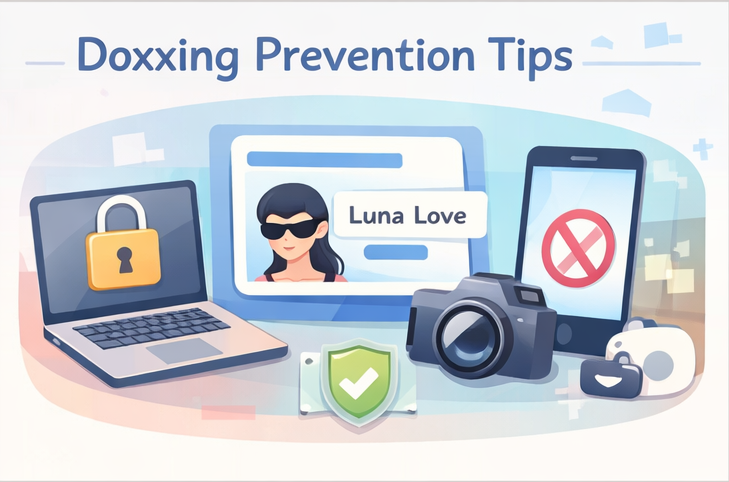
This section covers the basic setup rules that protect you before content goes live, helping you build a cleaner wall between your creator identity and your personal life.
Protecting your identity starts before your first post, but it also extends into how you set up your account — this step-by-step account setup guide walks through the privacy settings and early decisions that reduce risk from day one.
Build a separate creator identity
Use a stage name, a separate creator email, and separate account credentials. Proton says you can usually create a free email account without giving an email address or phone number, although extra verification may sometimes be required. That makes it a useful example of a privacy-first setup layer.
Source: https://proton.me/support/create-a-free-email-account-address
Lock down accounts and devices
Turn on two-factor authentication (2FA), use unique passwords, and avoid mixing creator logins with personal accounts. A separate browser profile or separate device can also help reduce accidental crossover between your real-life identity and your creator work.
Remove location clues from every file and frame
Don't think you're safe just because you've never mentioned where you live: your room layout, street view through a window, mail on a table, or file metadata can all expose more than you think. Strip metadata when possible and review the frame like a stranger would.
OnlyFans safety tips: Rules that make your page safer day to day
This section is about your daily operating style and habits that can help you protect yourself without making your page feel cold or robotic.
Write a safer OnlyFans bio
A good OnlyFans bio shouldn't just sound cute: it shouldn't overshare either. Skip your city, school, workplace, exact schedule, or anything that narrows down your location. A safe bio should say what kind of experience you offer, not where you exist offline.
Keep payments and requests inside clear boundaries
If someone offers you a big tip for something that feels off, treat the request as the risk, not the amount. Don't let money rush you into giving personal contact details, real-time location info, or anything that breaks your normal rules.
Stop sharing real-time routines and locations
Delay posts if they show where you are. Do not post “I’m here right now” content unless you are comfortable with the real-world risk. Boundaries work better when they are boring and consistent.
Rules for protecting your content after it goes live 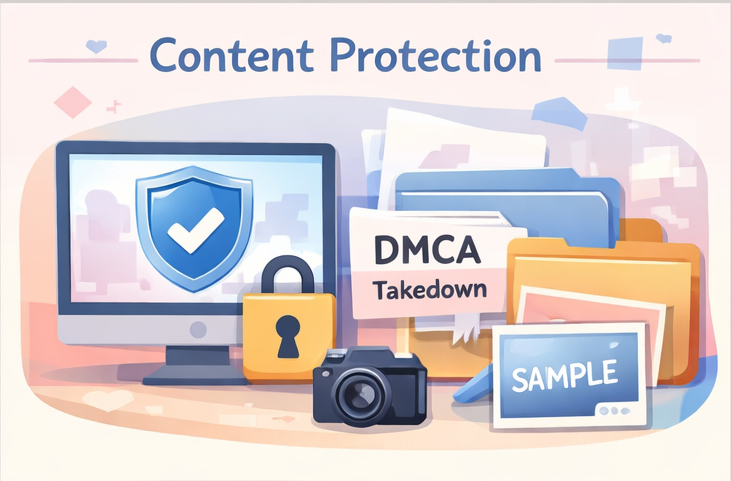
This section covers what happens after posting, which helps you respond faster (instead of freezing and losing time) if something leaks.
Watermark and archive your originals
Keep original files, upload dates, and proof of authorship in one place. A visible but not ugly watermark may also help create a trail if your content gets reposted.
Use DMCA and data-removal help early
If your content leaks, takedown help may be worth considering. Some takedown services, including Rulta, say they monitor websites and social platforms and help issue DMCA notices on behalf of creators. Whether you use Rulta or another provider, the main point is to act early instead of waiting for the leak to spread.
Source: https://rultadmca.com/
Keep an incident folder for every leak or threat
Save screenshots, links, dates, usernames, and support emails in one folder. This makes future reports faster and gives you a clearer paper trail if the same person or site shows up again.
Compliance checks that affect safety in 2026 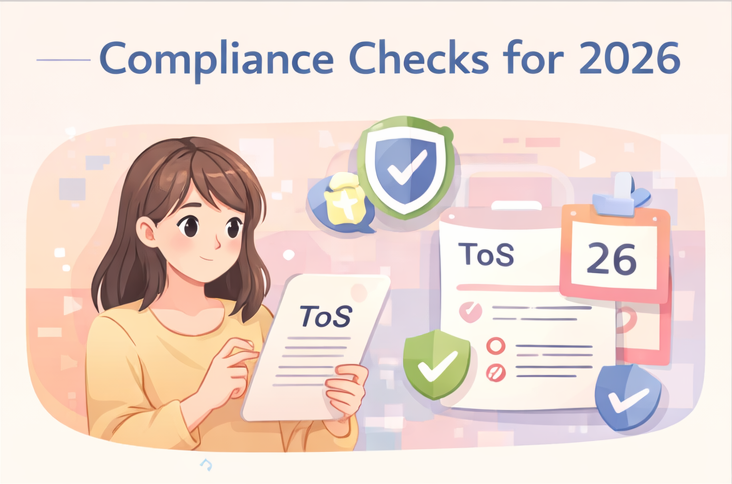
This section covers the policy and legal side of safety, which can help you avoid privacy mistakes that also become platform or compliance problems.
Check the current Terms of Service
This is not legal advice. OnlyFans policies are subject to change. Always check the current Terms of Service.
Your privacy habits should not depend on old creator threads or recycled screenshots. Review the current rules, especially if you collaborate, link out, or change how you sell.
Know when age-verification laws may affect you
Ondato’s 2026 outlook says about half of U.S. states now require strict age verification in relevant sectors, especially around adult content and other age-restricted services. If you run your own site, landing page, or direct sales flow outside a platform, this might matter more than you think.
Source: https://ondato.com/reports/the-us-age-verification-laws-2026-outlook/
Keep support and verification records organized
Store IDs, release forms if relevant, support emails, and key account notices in one secure place. This protects you if a policy question turns into an account-access problem later.
A safer way to grow without living in DMs 
This section connects safety to sustainability, which can help you grow your page without making your private life more exposed or your day more chaotic.
If DM volume is creating safety risks as much as time pressure, this guide to OnlyFans chatbots and AI-assisted DM tools covers how to reduce inbox exposure without handing over full control of your account.
Batch replies and set response windows
Answering DMs all day can blur your boundaries fast. Set reply windows so fans don't start treating 24/7 access as normal.
Separate fan notes from your personal life
Keep fan preferences and conversation notes in a work system, not mixed into your personal apps or camera roll. Cleaner systems reduce mistakes.
Use human-in-the-loop AI assistance if DMs become the bottleneck
FanPort is positioned as a human-in-the-loop assistant rather than a fully automated bot. It can help manage your inbox by offering context-aware suggestions, drafting replies, and keeping track of fan preferences, while you still review and send the final message. For creators who feel buried in DMs, that kind of workflow may reduce communication fatigue and make it easier to stay consistent. It can also support a more personal experience for VIPs and repeat fans without requiring you to be online 24/7. Building stronger fan relationships in a more structured way can be a safer, more sustainable approach than relying on nonstop availability.
Want to grow faster with this service? Click here.
FAQ
Can I stay anonymous on OnlyFans?
To a degree, yes. A separate creator identity, separate email, stronger login hygiene, and fewer location clues can lower the risk.
Source: https://proton.me/support/create-a-free-email-account-address
What should I never put in my OnlyFans bio?
Avoid your city, school, workplace, exact routine, or anything that makes your real identity easier to connect.
Will stronger safety measures affect how much I make on OnlyFans?
Not necessarily. Stronger safety habits can protect your income indirectly by reducing leaks, harassment, and burnout—so you can stay consistent and keep long-term fans. It is not a guarantee of earnings, but it can help you avoid setbacks that cost money.
What should I do first if my content leaks?
Save the links and screenshots, keep your originals, and start takedown action early.
Source: https://rultadmca.com/
Do age-verification laws matter if I use my own website too?
They may. Ondato’s 2026 report says strict age-verification rules now affect about half of U.S. states in relevant sectors.
Source: https://ondato.com/reports/the-us-age-verification-laws-2026-outlook/
Is an anonymous email really worth it?
It can be one of the simplest ways to reduce unnecessary identity links between your work as a creator and your personal life, especially when combined with separate account credentials and stronger login hygiene.
Source: https://proton.me/support/create-a-free-email-account-address